
DocKeeper for HR: 7 Powerful Document Mobility & Self-Service Wins (2026)
Centralized, Portable Document Storage with SharePoint
DocKeeper for HR solves the biggest gap in modern HR platforms: true document mobility and self-service uploads. For Brisbane and Gold Coast organisations, it keeps compliance files portable in SharePoint while letting staff and external contacts upload, renew, and track documents without HR bottlenecks.
DocKeeper for HR in Brisbane and Gold Coast: What It Fixes Fast
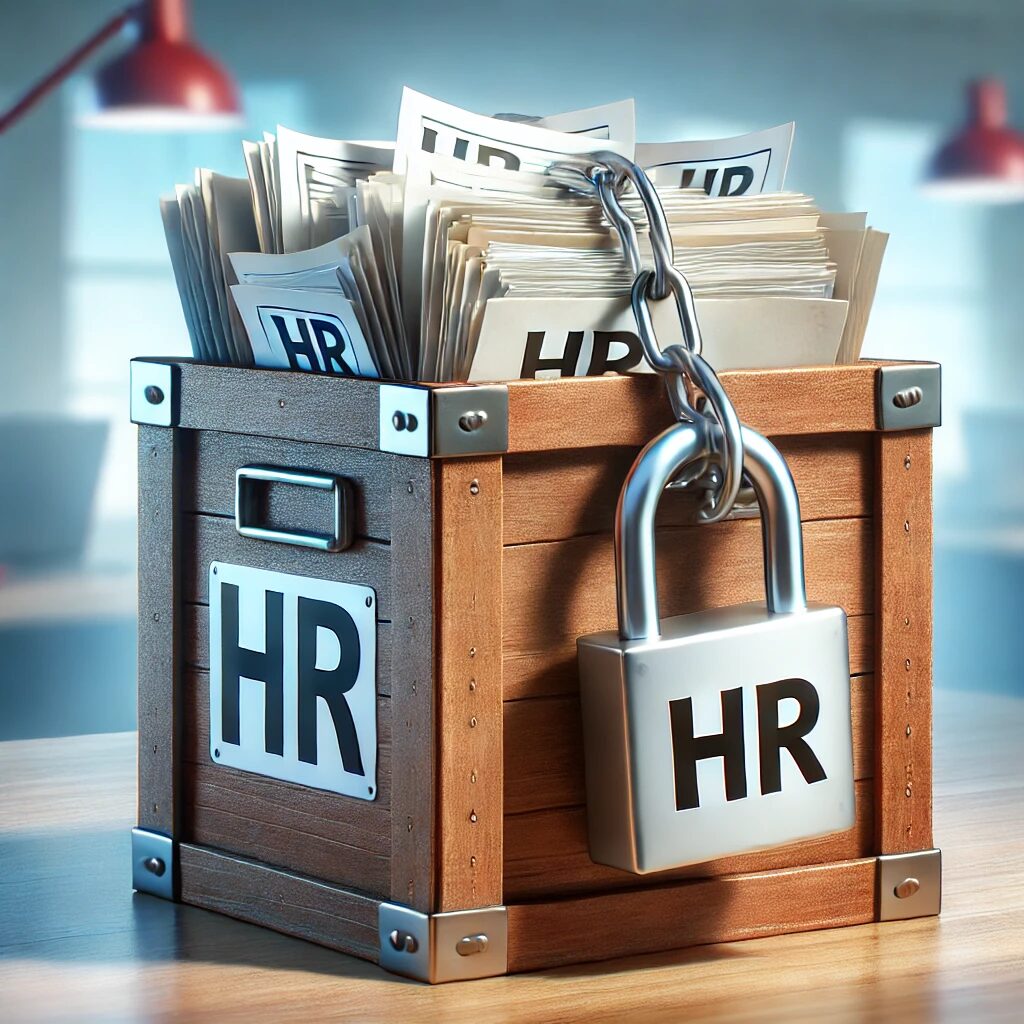
For HR teams across Brisbane and Gold Coast, DocKeeper for HR removes the daily friction of chasing employee documents, onboarding files, certifications, and compliance records. Instead of storing critical files inside closed HR systems, DocKeeper keeps everything in SharePoint while adding structured collection and renewal workflows.
DocKeeper for HR is especially effective where organisations must manage high document volumes across distributed teams. HR gains visibility, employees gain self-service upload capability, and compliance teams get consistent file structure and auditability without manual follow-ups.
DocKeeper for HR Self-Service Upload Portal (Mobile + Desktop)
DocKeeper for HR provides a secure self-service upload portal where employees, contractors, and external partners can submit documents from both mobile and desktop devices. Each upload is validated against required document types, expiry rules, and profile matching before acceptance.
This self-service model reduces HR administrative workload and speeds up onboarding cycles. Instead of back-and-forth email attachments, DocKeeper for HR standardises submissions through guided upload forms connected directly to SharePoint document libraries.
For Brisbane and Gold Coast businesses with field staff or remote workers, mobile upload support is critical for real-time HR document mobility and compliance tracking.
Need an expert consult? Book your 30-minute free consultation here.
DocKeeper for HR + SharePoint: Portable Compliance Document Storage
DocKeeper for HR stores all collected documents in SharePoint, not inside a locked vendor database. That means HR compliance records remain portable, searchable, and governed under Microsoft 365 controls.
Using SharePoint as the storage layer gives DocKeeper for HR version history, retention labels, legal hold support, and structured permissions out of the box. If the HR platform changes later, documents remain intact and accessible.
Check our SharePoint Stability Services Hub for more information.
DocKeeper for HR Governance Controls (RBAC, Audit, Encryption)
DocKeeper for HR applies governance controls on top of SharePoint using role-based access control, full audit trails, and Microsoft 365 encryption standards. HR teams can restrict document visibility by role, department, or record type.
Every upload, replacement, and renewal action is logged, supporting audit and compliance reviews. Sensitivity labels and retention policies can also be applied to DocKeeper for HR libraries to align with internal governance requirements.
The Hidden Challenges in Traditional HR Systems
Even though many HR systems boast seamless integration capabilities, they tend to store employee files and compliance documents within their own ecosystem. This approach creates several challenges:
1. Vendor Lock-In and Data Migration Woes
- Inflexible Document Storage: When compliance documents and employee files reside solely within your HR system, switching vendors or integrating new third-party solutions can become a daunting task. Migrating these files manually is both time-consuming and error-prone.
- Lack of Portability: With documents locked into one system, businesses risk being tied down, losing the agility needed to adapt to evolving technological or operational demands.
2. Limited Self-Service for Users
- No Self-Upload Capabilities: Most HR systems require administrative intervention to update or renew documents. This not only increases the administrative burden but also delays the compliance process.
- Missed Renewal Opportunities: Without a proactive self-service portal, staff and external contacts may overlook the need to renew documents, leading to compliance gaps.

How DocKeeper Addresses These Shortcomings
DocKeeper was built with a clear understanding of these pain points. It integrates seamlessly with your existing HR and onboarding processes while providing additional functionality that makes document management both flexible and user-friendly.
Centralized, Portable Document Storage with SharePoint
- A True Single Source of Truth: By storing all compliance-related documents in SharePoint, DocKeeper ensures that your critical files are maintained in a central, secure repository. This not only enhances data integrity but also supports your organization’s single source of truth strategy.
- Enhanced Portability: With your documents housed in SharePoint—a widely adopted, enterprise-grade platform—you retain the freedom to switch HR systems or integrate additional third-party software without the hassle of migrating files manually. This means your data stays with you, independent of any single vendor’s limitations.
Empowering Self-Service for Both External and Internal Users
- Custom Compliance Portal: DocKeeper doesn’t just trigger and send out compliance checklists; it also offers a custom portal where users can upload their documents directly from their computer or smartphone. This user-centric design makes it easy for staff, subcontractors, vendors, and other external contacts to manage their compliance needs on their own terms.
- Mobile-Friendly Functionality: Whether you’re on the go or working remotely, the ability to snap a photo of a document and upload it instantly ensures that compliance tasks are never left behind. This mobility is especially beneficial for on-site staff or employees who may not always have immediate access to a desktop computer.
Seamless Integration with Your HR Ecosystem
- Complementary, Not Competitive: DocKeeper is designed to enhance your current HR system. It leverages existing APIs and integration pathways to sync critical data, trigger compliance processes automatically, and provide a unified experience across systems.
- Automated Onboarding & Compliance Workflows: When a new employee or external contact is added to your HR system, DocKeeper can automatically launch a compliance checklist, send notifications, and track document status all without duplicating efforts or disrupting your existing workflows.

Industry Standards and Best Practices
DocKeeper aligns with leading industry standards for compliance management. By incorporating role-based access control (RBAC), automated document tracking, and secure data encryption (backed by Microsoft 365 security standards), it ensures that your organization not only meets regulatory requirements but exceeds them. This commitment to best practices is central to providing peace of mind and operational efficiency for your HR and compliance teams.

Conclusion: Future-Proof Your HR and Compliance Strategy
In an era where agility and data portability are paramount, relying solely on traditional HR software for document management can be a critical oversight. DocKeeper fills this gap by offering a solution that:
- Breaks the vendor lock-in cycle by centralizing documents in SharePoint, ensuring that your organization remains agile and flexible.
- Empowers users with a self-service portal for seamless document uploads and renewals.
- Enhances your existing HR ecosystem with automated, integrated compliance workflows that reduce administrative burdens and improve overall efficiency.
If you’re ready to experience a more flexible, mobile, and user-friendly approach to HR compliance, it’s time to see how DocKeeper can transform your organization.
DocKeeper for HR — Frequently Asked Questions
What is DocKeeper for HR used for?
DocKeeper for HR is used to collect, manage, and govern employee compliance documents using SharePoint as the secure storage layer.
Does DocKeeper for HR support employee self-service uploads?
Yes. DocKeeper for HR includes secure self-service upload portals for staff, contractors, and external parties.
Where are DocKeeper for HR documents stored?
All documents are stored in SharePoint, not locked inside an HR vendor database.
Is DocKeeper for HR suitable for Brisbane and Gold Coast organisations?
Yes. It is designed for Microsoft 365 environments and fits compliance-driven organisations across Brisbane and Gold Coast.
Does DocKeeper for HR support audit and compliance tracking?
Yes. Uploads, renewals, and changes are fully logged with audit visibility.
Interested in learning more? Request a Consultation today to discover how DocKeeper can future-proof your HR and compliance strategy while keeping your data truly portable.