
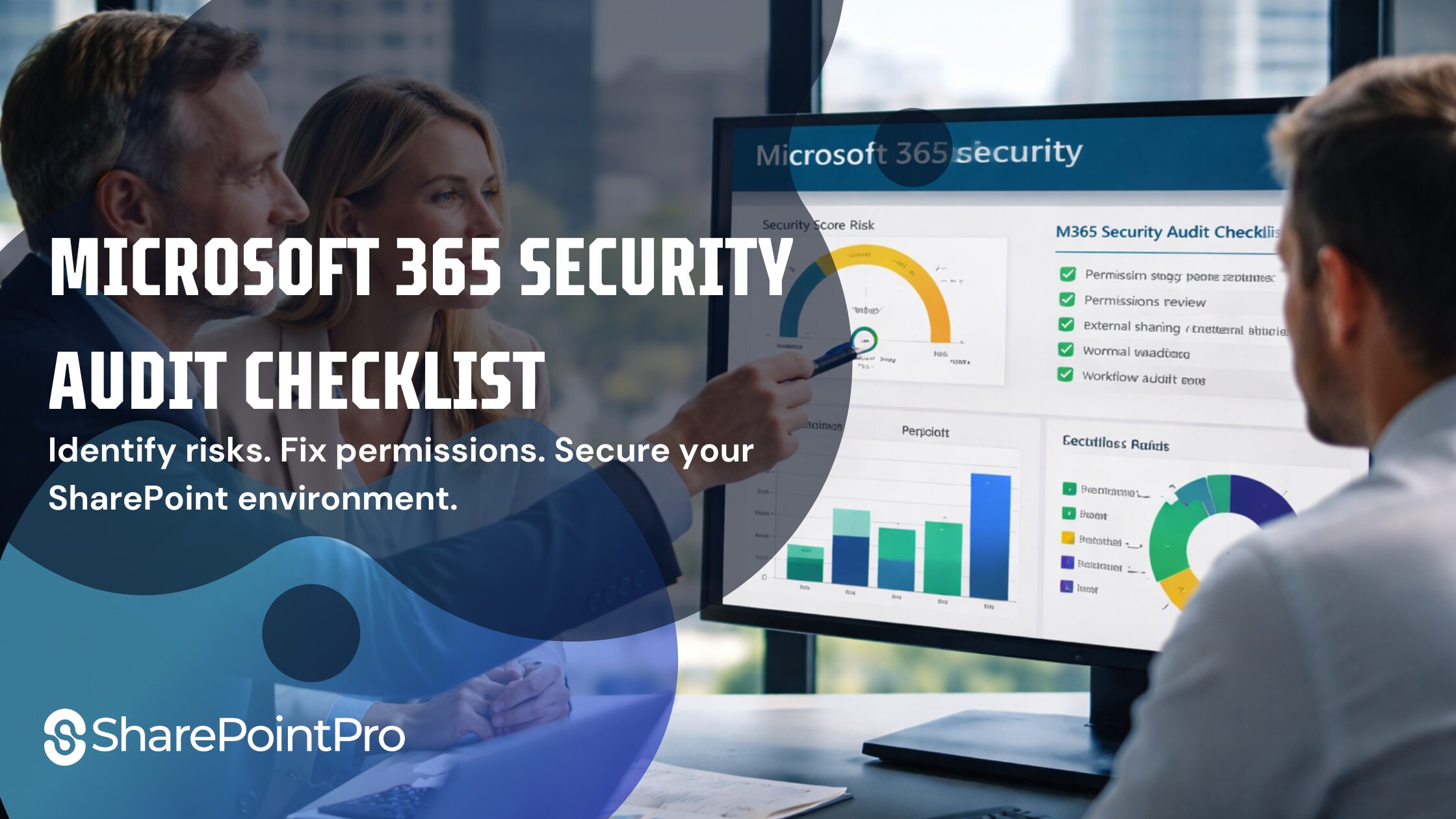
Microsoft 365 Security Audit Checklist
- Apr, Wed, 2026
Microsoft 365 Security Audit Checklist
for Brisbane & Gold Coast Businesses
If your Microsoft 365 environment feels disorganized, permissions are unclear, or security risks are growing, you’re not alone. Many businesses operate without a clear governance structure until issues start affecting operations.
A structured Microsoft 365 security audit helps identify risks, fix permission gaps, and restore control. This checklist outlines what should be reviewed to ensure your SharePoint and Microsoft 365 environment is secure and properly managed.
Microsoft 365 Security Audit Checklist: What to Review
This Microsoft 365 Security Audit Checklist gives you a clear starting point to identify risks and improve your environment. A Microsoft 365 security audit is a structured review of your environment, focusing on:
- SharePoint permissions and access control
- User roles and privilege levels
- External sharing risks
- Data exposure and governance gaps
- Workflow and automation risks
Why Businesses Need a Microsoft 365 Audit
Without regular audits, most environments develop:
- Broken or inherited permissions
- Overexposed SharePoint files
- Uncontrolled external sharing
- Lack of governance structure
- Risky automation workflows

Microsoft 365 Security Audit Checklist
Use this checklist as a baseline for reviewing your environment:
🔒 Permissions & Access Control
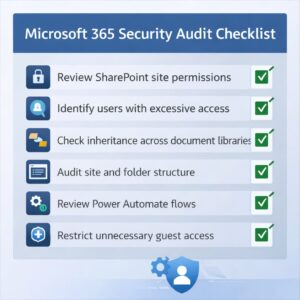
- Review SharePoint site permissions
- Identify users with excessive access
- Check inheritance across document libraries
- Remove inactive or unnecessary users
📂 SharePoint Structure
- Audit site and folder structure
- Identify duplicated or unused sites
- Ensure logical organization of documents
🌐 External Sharing
- Review external access settings
- Identify publicly shared files or links
- Restrict unnecessary guest access
🛡 Governance & Policies
- Check if governance policies are defined
- Review naming conventions and access rules
- Ensure compliance settings are applied
⚙️ Workflows & Automation
- Review Power Automate flows
- Identify broken or redundant workflows
- Check for workflows bypassing governance controls
🤖 Copilot & Data Exposure Readiness
- Identify sensitive data exposure risks
- Review permission structures before enabling AI tools
- Ensure proper access boundaries are in place

Common Issues Found During Audits
From experience, most businesses discover:
- Over-permissioned users across SharePoint
- No clear governance model
- Legacy structures that no longer make sense
- Security risks hidden in workflows and sharing settings
These are not uncommon, but they need structured remediation.
When Should You Perform an Audit?
You should consider a Microsoft 365 security audit if:
- Your environment has grown rapidly
- You’re unsure who has access to what
- You’re planning to implement automation or Copilot
- You’ve never reviewed your setup properly

Final Thought
A Microsoft 365 environment should support your business, not create hidden risks.
If you’re unsure about your current setup, a structured audit can give you clarity, control, and a clear path forward.
If you need a structured review of your environment, explore our
👉 Microsoft 365 Security Audit Brisbane and identify risks before they escalate.
Click Here