
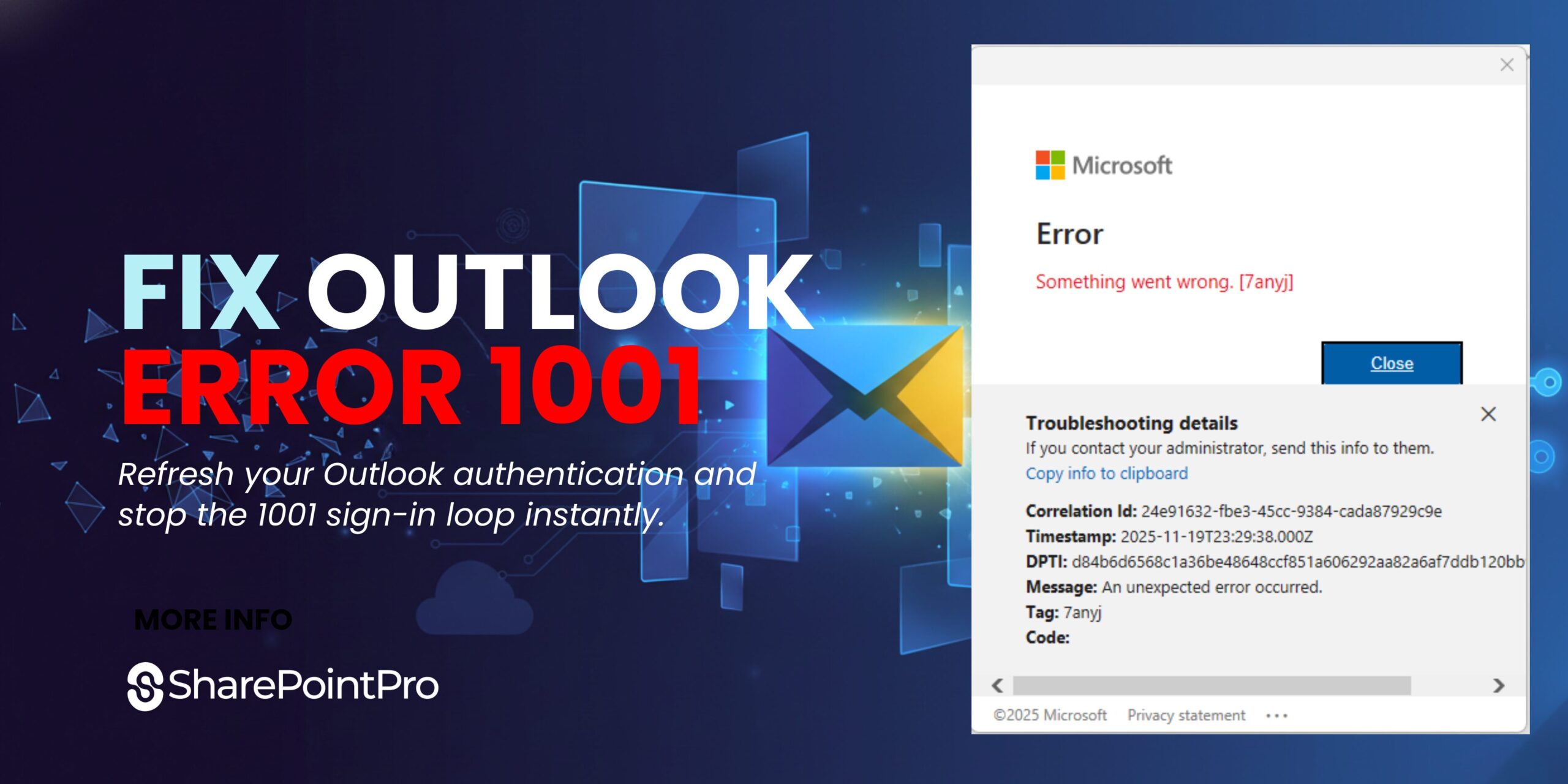
Fix Outlook Error 1001 Quickly | Microsoft 365 Guide
Outlook Error 1001 is a common Microsoft 365 issue that appears after tenant changes, mailbox migrations, or authentication updates.
Email migrations, especially when moving from a POP email account or from one Office 365 / Microsoft 365 tenant to another, can sometimes leave behind authentication issues on the local computer. Even if the email address stays the same, Outlook may still try to use old credentials linked to the previous server.
One common issue that appears after a migration is the following Outlook error:
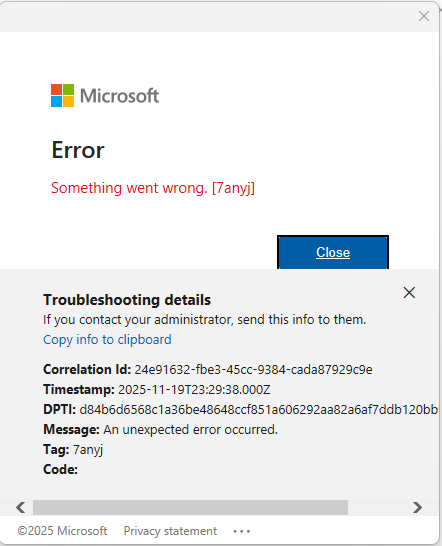
“Something went wrong [1001] Error Tag 7anyj.”
If you’re moving to Microsoft 365, switching tenants, or rebuilding accounts in Office 365, this Outlook error is more common than you might think. Fortunately, the fix is fast and straightforward.
Why Outlook Shows Error 1001 After an Office 365 / Microsoft 365 Migration
![[1001] Error Tag 7anyj.](https://www.sharepointpro.com.au/wp-content/uploads/2025/11/Email-migrations-Error-1001-1024x576.jpg "Email migrations Error 1001")
When Outlook connects to an account, it stores local authentication tokens using Microsoft’s modern authentication system. After migrating to a new Office 365 or Microsoft 365 tenant or moving email hosting entirely, those tokens become invalid.
The problem? Outlook still tries to use them.
This mismatch causes Outlook to fail the sign-in process and throw the:
Error 1001 – Tag 7anyj
Removing those cached Microsoft authentication files forces Outlook to request fresh login data from the new server.
How to Fix Outlook Error 1001 (Tag 7anyj)
Here’s the exact fix that resolves the issue in almost all Office 365 or Microsoft 365 migration scenarios:
Step-by-Step Solution
- Completely close Microsoft Outlook.
- Open File Explorer.
- Go to the following folders and delete them:
C:\Users\yourusername\AppData\Local\Microsoft\OneAuth
And
C:\Users\yourusername\AppData\Local\Microsoft\IdentityCache
If you can’t see the AppData folder, enable Hidden items in File Explorer.
- Reopen Outlook and add the email account again.
Outlook will now generate new Microsoft authentication tokens, allowing it to connect to the updated Office 365 / Microsoft 365 environment without error.
Final Thoughts
If you’re migrating users between Office 365 tenants, transitioning from POP email to Microsoft 365, or simply reconnecting an account pointing to a new server, the Outlook 1001 Error (Tag 7anyj) is usually caused by outdated authentication files. Clearing the OneAuth and IdentityCache folders resets those credentials and instantly resolves the problem.
This quick fix can save a lot of time when performing Microsoft or Office 365 email migrations, making it a valuable troubleshooting tip for IT admins and support technicians.
This issue usually occurs after moving mailboxes or changing tenant settings during Microsoft 365 migration issues.
Additional Microsoft Resources
For deeper technical context, Microsoft provides official documentation that explains Outlook authentication issues and Microsoft 365 sign-in behaviour: