
Replacing SharePoint Add-In Authentication Before the April 2026 Retirement
Replace SharePoint Add-In authentication before the April 2, 2026 retirement deadline to keep provider-hosted solutions working. This guide explains how to move from ACS authentication to Microsoft Entra ID, delegated SharePoint access tokens, a custom SharePointContextFilter, and bearer token authentication for CSOM with minimal controller changes.
This article shows how to replace the old authentication model using:
– Microsoft Entra ID authentication
– Delegated SharePoint access tokens
– A custom [SharePointContextFilter]
– Bearer token authentication for CSOM
The goal is to allow existing controllers to continue working with minimal changes.
Many teams now need to replace SharePoint Add-In authentication without rewriting their entire MVC application.
Many organizations are now planning how to replace SharePoint Add-In authentication before the April 2, 2026 retirement deadline.
The Problem With the Old Add-In Model
Provider-hosted add-ins relied on Azure ACS authentication and helper libraries to generate SharePoint access tokens. Typical controller code looked like this:

[SharePointContextFilter]
public ActionResult Index()
{
var ctx = SharePointContextProvider.Current.GetSharePointContext(HttpContext);
using (var clientContext = ctx.CreateUserClientContextForSPHost())
{
// SharePoint CSOM operations
}
}
New Architecture
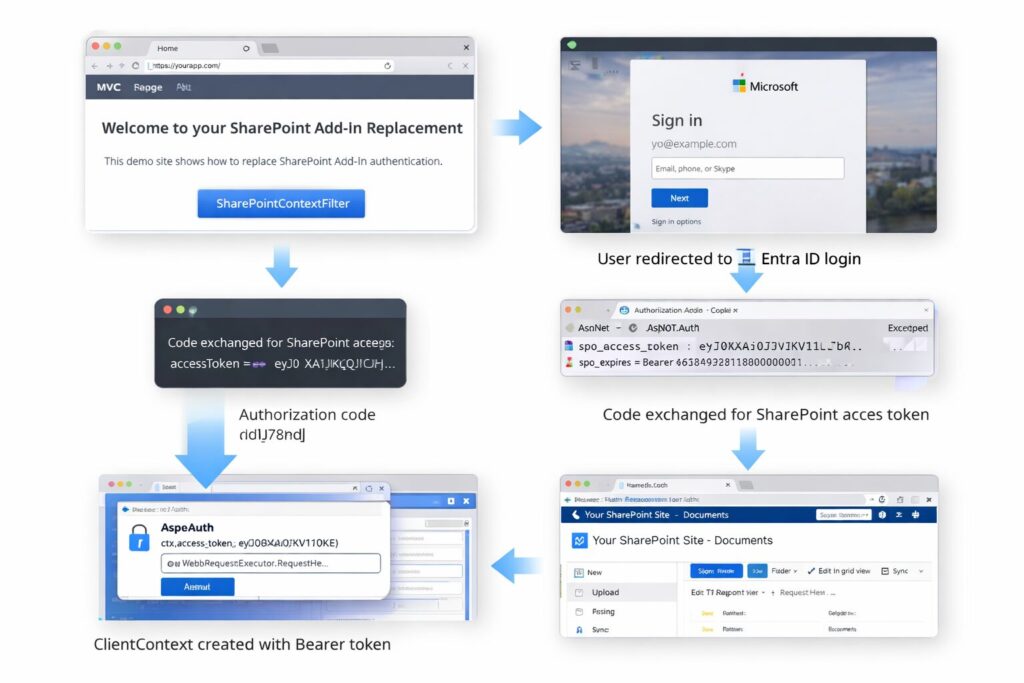
The replacement approach uses Microsoft Entra ID authentication and issues a delegated SharePoint access token which is stored in the user’s authentication cookie.
The goal of this architecture is to replace SharePoint Add-In authentication while keeping existing MVC controllers functional with minimal code changes.
User visits MVC page
↓
[SharePointContextFilter]
↓
User redirected to Entra ID login
↓
Authorization code returned
↓
Code exchanged for SharePoint access token
↓
Token stored in authentication cookie
↓
ClientContext created with Bearer token
Custom SharePointContextFilter
This filter validates authentication and injects a ClientContext into the request pipeline.

public sealed class SharePointContextFilterAttribute : ActionFilterAttribute
{
public override void OnActionExecuting(ActionExecutingContext ctx)
{
var auth = ctx.HttpContext.GetOwinContext().Authentication;
var ticket = auth.AuthenticateAsync(CookieAuthenticationDefaults.AuthenticationType).Result;
if (ticket?.Identity?.IsAuthenticated != true)
{
ctx.Result = new RedirectResult(“/redirect/login?returnUrl=” +
HttpUtility.UrlEncode(ctx.HttpContext.Request.RawUrl));
return;
}
var token = ticket.Identity.FindFirst(“spo_access_token”)?.Value;
var expiresTicks = ticket.Identity.FindFirst(“spo_expires”)?.Value;
if (token == null || expiresTicks == null ||
new DateTime(long.Parse(expiresTicks)) <= DateTime.UtcNow)
{
auth.SignOut(CookieAuthenticationDefaults.AuthenticationType);
ctx.Result = new RedirectResult(“/redirect/login”);
return;
}
var siteUrl = ConfigurationManager.AppSettings[“SharePoint:SiteUrl”];
var spCtx = SharePointDelegatedContext.Create(siteUrl, token);
ctx.HttpContext.Items[“SPO_CTX”] = spCtx;
}
public override void OnActionExecuted(ActionExecutedContext ctx)
{
(ctx.HttpContext.Items[“SPO_CTX”] as ClientContext)?.Dispose();
}
}
Creating a ClientContext Using a Bearer Token
SharePoint CSOM supports OAuth tokens through the Authorization header.
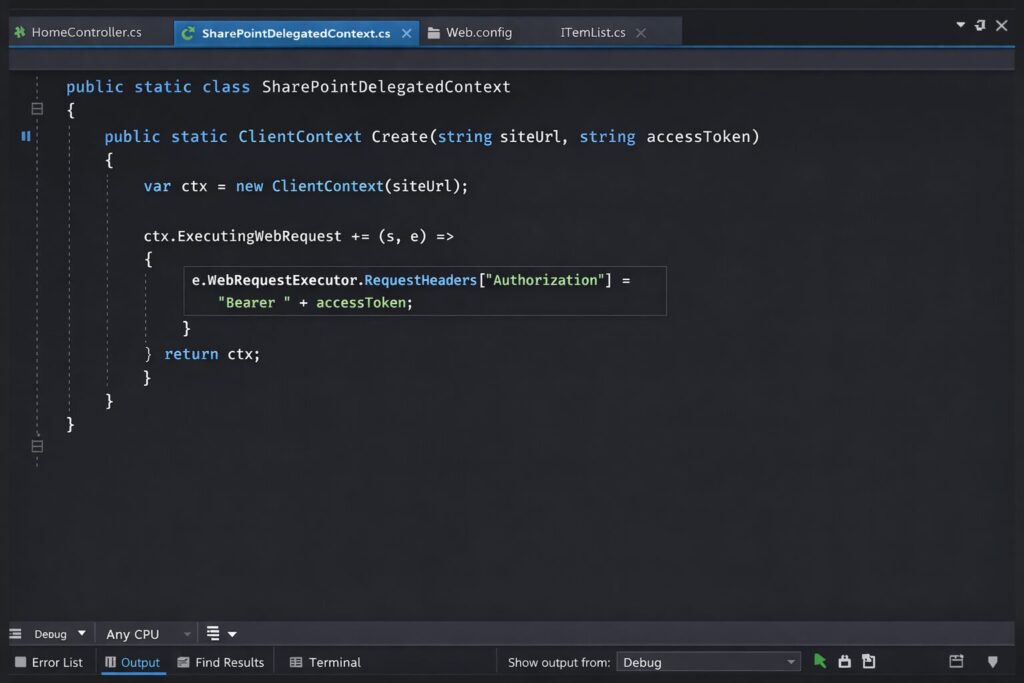
public static class SharePointDelegatedContext
{
public static ClientContext Create(string siteUrl, string accessToken)
{
var ctx = new ClientContext(siteUrl);
ctx.ExecutingWebRequest += (s, e) =>
{
e.WebRequestExecutor.RequestHeaders[“Authorization”] =
“Bearer ” + accessToken;
};
return ctx;
}
}
Handling Entra ID Login
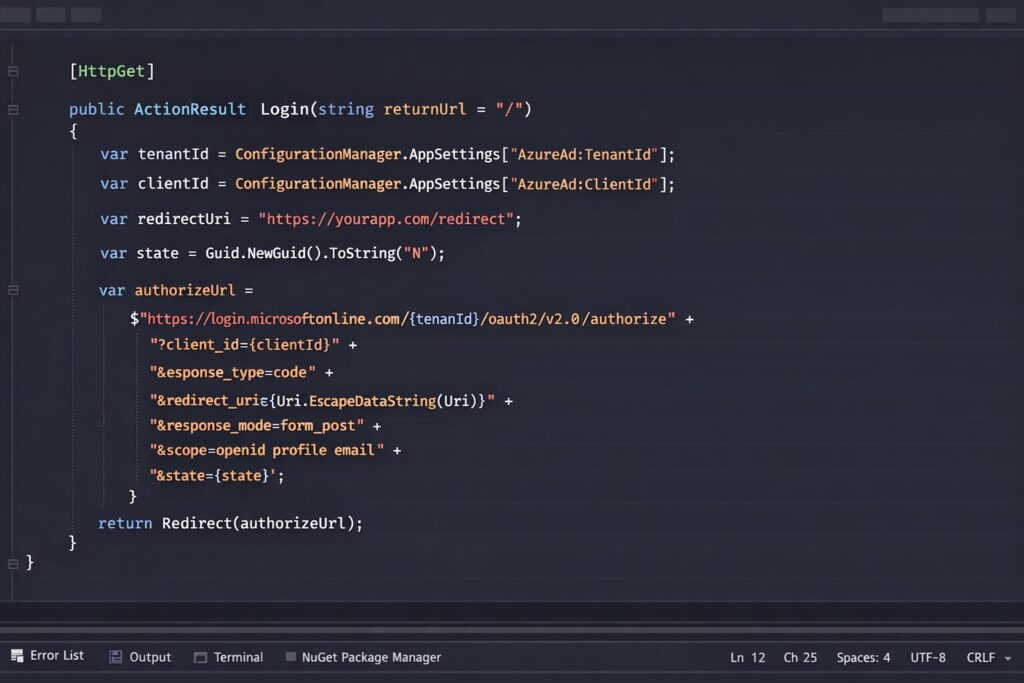
Step 1 – Redirect the user to Microsoft Entra ID for authentication.
[HttpGet]
public ActionResult Login(string returnUrl = “/”)
{
var tenantId = ConfigurationManager.AppSettings[“AzureAd:TenantId”];
var clientId = ConfigurationManager.AppSettings[“AzureAd:ClientId”];
var redirectUri = “https://yourapp.com/redirect”;
var state = Guid.NewGuid().ToString(“N”);
var authorizeUrl =
$”https://login.microsoftonline.com/{tenantId}/oauth2/v2.0/authorize” +
$”?client_id={clientId}” +
$”&response_type=code” +
$”&redirect_uri={Uri.EscapeDataString(redirectUri)}” +
$”&response_mode=form_post” +
$”&scope=openid profile email” +
$”&state={state}”;
return Redirect(authorizeUrl);
}
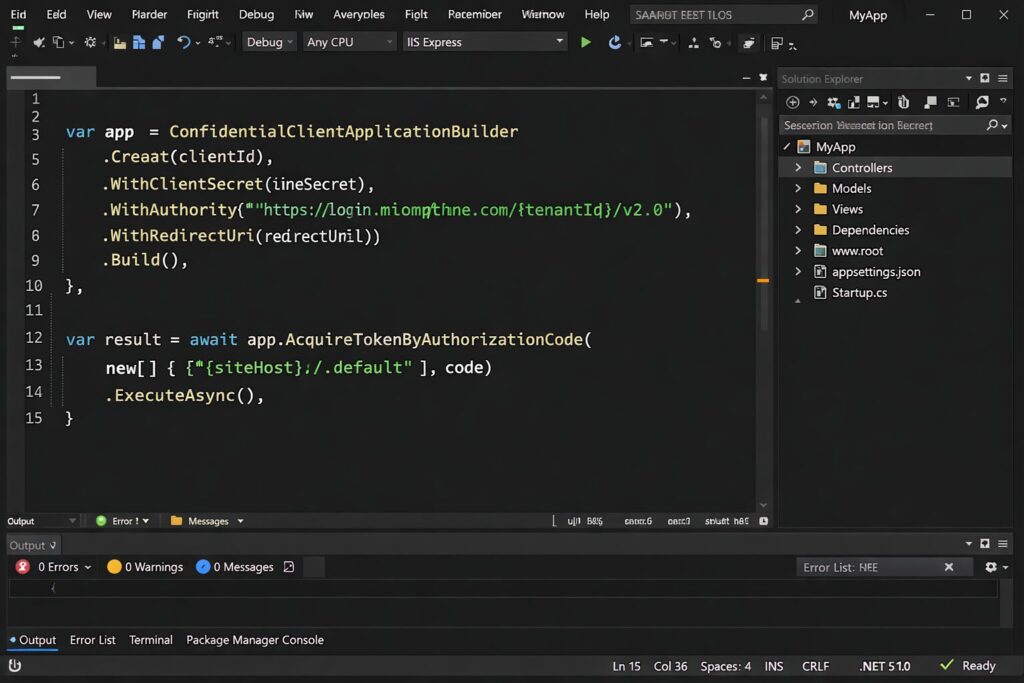
Step 2 – Exchange the authorization code for a SharePoint access token.
var app = ConfidentialClientApplicationBuilder
.Create(clientId)
.WithClientSecret(clientSecret)
.WithAuthority($”https://login.microsoftonline.com/{tenantId}/v2.0″)
.WithRedirectUri(redirectUri)
.Build();
var result = await app.AcquireTokenByAuthorizationCode(
new[] { $”{siteHost}/.default” }, code)
.ExecuteAsync();
Storing the SharePoint Token
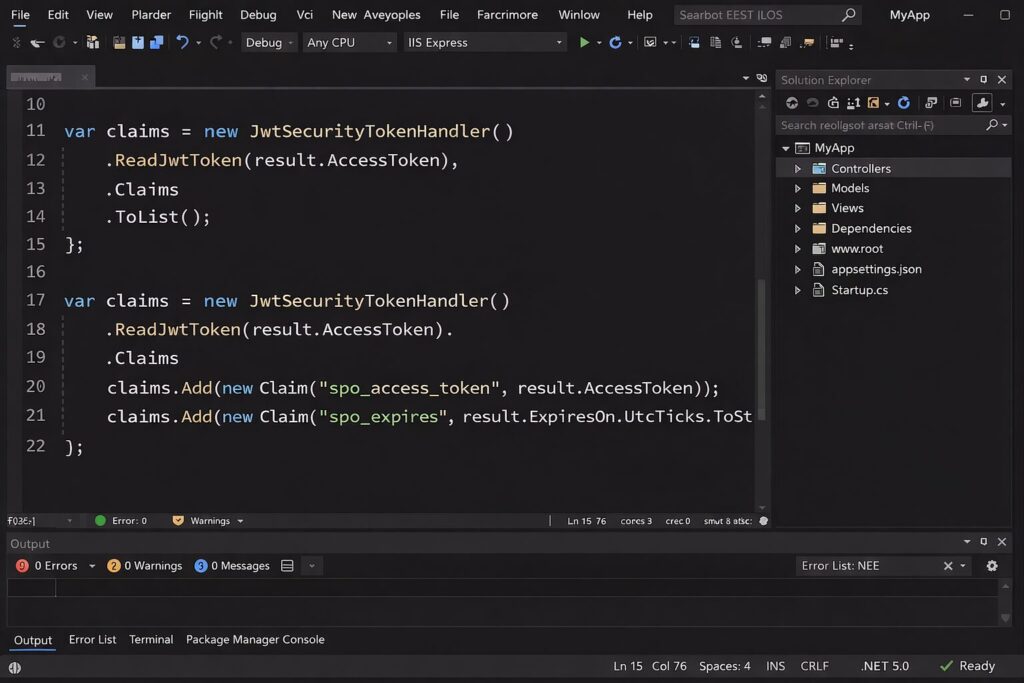
var claims = new JwtSecurityTokenHandler()
.ReadJwtToken(result.AccessToken)
.Claims
.ToList();
claims.Add(new Claim(“spo_access_token”, result.AccessToken));
claims.Add(new Claim(“spo_expires”, result.ExpiresOn.UtcTicks.ToString()));
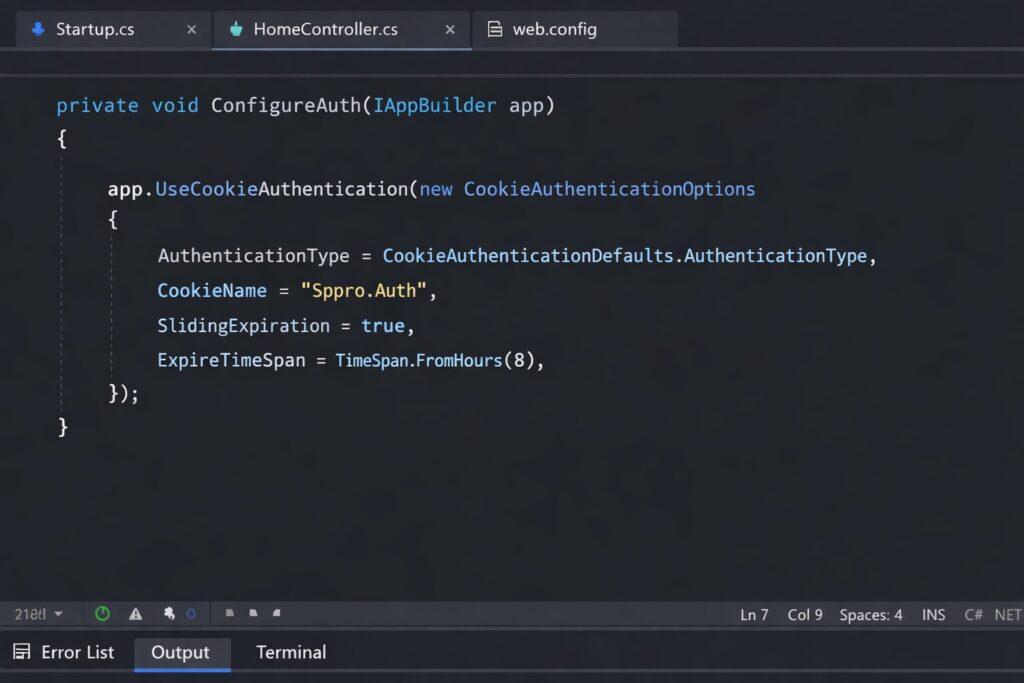
Cookie Authentication Setup
private void ConfigureAuth(IAppBuilder app)
{
app.UseCookieAuthentication(new CookieAuthenticationOptions
{
AuthenticationType = CookieAuthenticationDefaults.AuthenticationType,
CookieName = “Sppro.Auth”,
SlidingExpiration = true,
ExpireTimeSpan = TimeSpan.FromHours(8)
});
}
Conclusion
With the retirement of the SharePoint Add-In model approaching, applications relying on ACS authentication must move to a modern authentication approach. By implementing delegated SharePoint tokens and a custom SharePointContextFilter, existing provider-hosted solutions can continue working with minimal architectural changes.
In a future post I will show how to create custom actions on the SharePoint ECB (Edit Control Block) without using the add-in model.
Microsoft has officially announced the SharePoint Add-In model retirement scheduled for April 2, 2026.
Before migrating authentication models, it is recommended to perform a Microsoft 365 governance assessment to uncover SharePoint permission risks, outdated configurations, and tenant security issues that may impact the new Entra ID authentication approach.
By implementing Entra ID authentication and delegated SharePoint tokens, teams can successfully replace SharePoint Add-In authentication and keep their applications operational after the 2026 retirement.
FAQ
What happens after SharePoint Add-In authentication is retired?
Provider-hosted add-ins using ACS authentication will stop working after April 2, 2026.
What should replace SharePoint ACS authentication?
Microsoft Entra ID with delegated SharePoint access tokens is the modern replacement.
Can I keep my MVC controllers with minimal changes?
Yes. A custom SharePointContextFilter can preserve most of the existing controller pattern.
Does CSOM support bearer token authentication?
Yes. You can attach the OAuth bearer token through the Authorization header in ClientContext requests.