

Word Interop Null Reference Error Windows Server 64 Bit: 7 Proven Fixes
Word Interop null reference error Windows Server 64 bit is a common failure when server-side Office automation is misconfigured. Brisbane and Gold Coast Microsoft 365 admins often see this when Word Interop components, permissions, or COM settings are not correctly installed.
Word Interop Null Reference Error Windows Server 64 Bit Root Causes
The Word Interop null reference error Windows Server 64 bit usually happens when Microsoft Office Interop components are installed but not fully configured for server-side execution. This error appears more often on Windows Server than on developer desktops because of permission models and COM security.
Common root causes include Office bitness mismatch, missing COM registration, restricted DCOM launch permissions, and application pool identity limits. In Brisbane and Gold Coast production environments, this typically shows up after server migrations or new IIS deployments.
If you’re running a 64-bit Windows Server and using C# to automate Microsoft Word via Interop, you may encounter a frustrating null reference error on the following line:
var appWord = new Microsoft.Office.Interop.Word.Application();
var wordDocument = appWord.Documents.Open(inputFile); // Fails here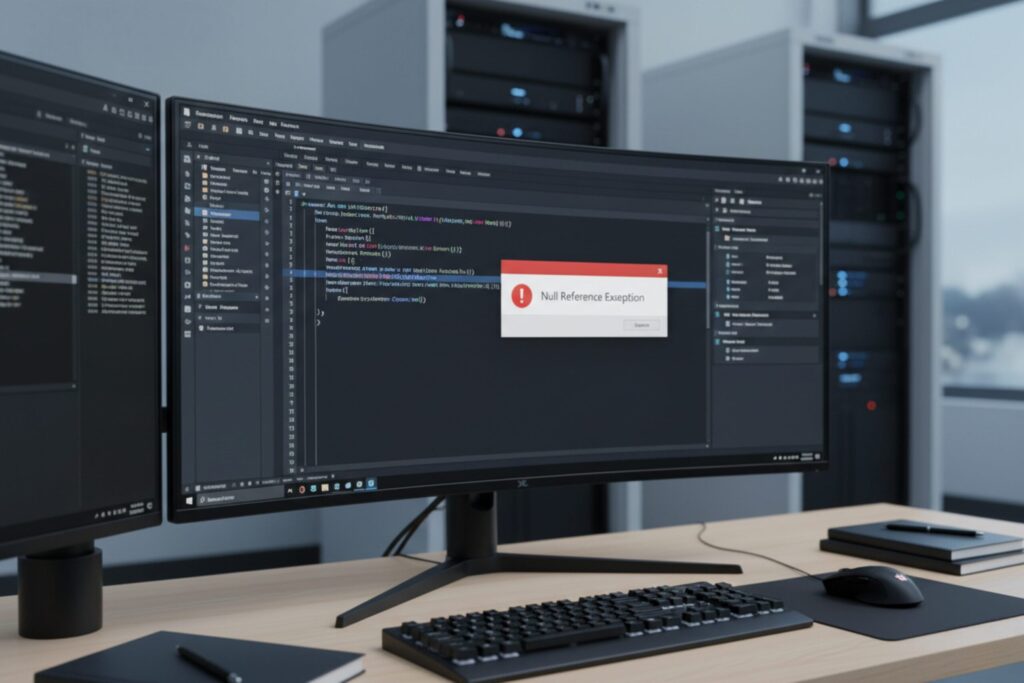
This error happens because Microsoft Word Interop expects a “Desktop” folder within the system profile directory, which isn’t created by default on 64-bit Windows Server installations.
Word Interop Null Reference Error Windows Server 64 Bit Fix Steps
To resolve the Word Interop null reference error Windows Server 64 bit, start with environment validation. Confirm that Microsoft Word is installed in the correct 64-bit or 32-bit version to match your application build. Mixed bitness is a frequent trigger.
Next, verify that the Interop assemblies are properly referenced and that the server has completed COM registration for Word automation. Restart IIS and related services after installation changes to ensure the runtime loads the correct libraries.
Copy code
C:\Windows\SysWOW64\config\systemprofile\Desktop
Here’s how to do it:
- Open File Explorer and navigate to
C:\Windows\SysWOW64\config\systemprofile\. - Right-click and create a new folder called
Desktop.
After this, try running your code again. This simple fix should resolve the null reference error, allowing your Word Interop automation to work as expected on 64-bit Windows Server environments.
Word Interop Null Reference Error Windows Server 64 Bit IIS and DCOM Checks

If the Word Interop null reference error Windows Server 64 bit persists, check IIS application pool identity and DCOM configuration. The service account running the application must have launch and activation rights for the Word COM component.
Open Component Services, review DCOM config for Microsoft Word, and grant Local Launch and Local Activation permissions to the app pool identity. Many Gold Coast and Brisbane server cases fail specifically at this permission layer.
Word Interop Null Reference Error Windows Server 64 Bit Production Risks
Using Word Interop on Windows Server in production carries stability risks. Microsoft does not recommend Office client automation for unattended server workloads. Memory leaks, hung processes, and permission faults are common side effects.
Where possible, replace Word Interop with server-safe document libraries or API-based document generation. This reduces the chance of recurring Word Interop null reference error Windows Server 64 bit failures under load.
If your system throws Word Interop null reference error Windows Server 64 bit only in production, compare server configuration against your development machine. Differences in Office version, COM permissions, and service identities are the most frequent root causes.
Microsoft does not recommend unattended Office automation on servers. See Microsoft guidance on server-side Office automation risks here:
If your environment depends on Microsoft 365 workloads, get structured Microsoft 365 expert assistance to validate server configuration and identity permissions.
Many organisations first encounter this during SharePoint and document workflow deployments handled by SharePoint consulting services teams.
Word Interop Null Reference Error Windows Server 64 Bit
What causes Word Interop null reference error on Windows Server 64 bit?
It is usually caused by COM permission issues, Office bitness mismatch, or incomplete Interop registration.
Does Word Interop work reliably on Windows Server?
Microsoft does not recommend Office client automation for unattended server workloads.
Can IIS permissions cause Word Interop failures?
Yes. Application pool identity and DCOM launch permissions are common failure points.
Is 32-bit vs 64-bit Office a factor?
Yes. Bitness mismatch between Office and your app build frequently triggers the error.
What is the safer alternative to Word Interop?
API-based document generation or server-safe document libraries.