
Microsoft 365 Expert Assistance — When You Just Need Backup
You Own the Project.
We’ve Got Your Back.
Microsoft 365 Expert Assistance for experienced Microsoft and SharePoint professionals facing complex, real-world issues.
For Experienced Microsoft 365 & SharePoint Professionals
Microsoft 365 Expert Assistance for When You’re an Expert
and the System Still Feels Stuck
You already know the tools and the theory, but some issues still slow delivery, introduce risk, or leave you second-guessing decisions.
Architecture
Edge Cases
designs that work on paper
but fail in practice
Governance
Grey Areas
permissions, policies, and
compliance gaps
Performance
Inconsistencies
search, sync, APIs
behaving unpredictably
Migration
After-Effects
legacy issues that
won’t surface cleanly
Automation
Instability
flows that break
under real-world use
Best-Practice Uncertainty
knowing there’s a better approach, but not seeing it yet
This Microsoft Expert Assistance service is built for experienced Microsoft 365 and SharePoint professionals who need clarity on architecture, governance, automation, or best-practice decisions.
If your environment feels fundamentally broken, you may need to fix Microsoft 365 issues before seeking expert guidance.
services
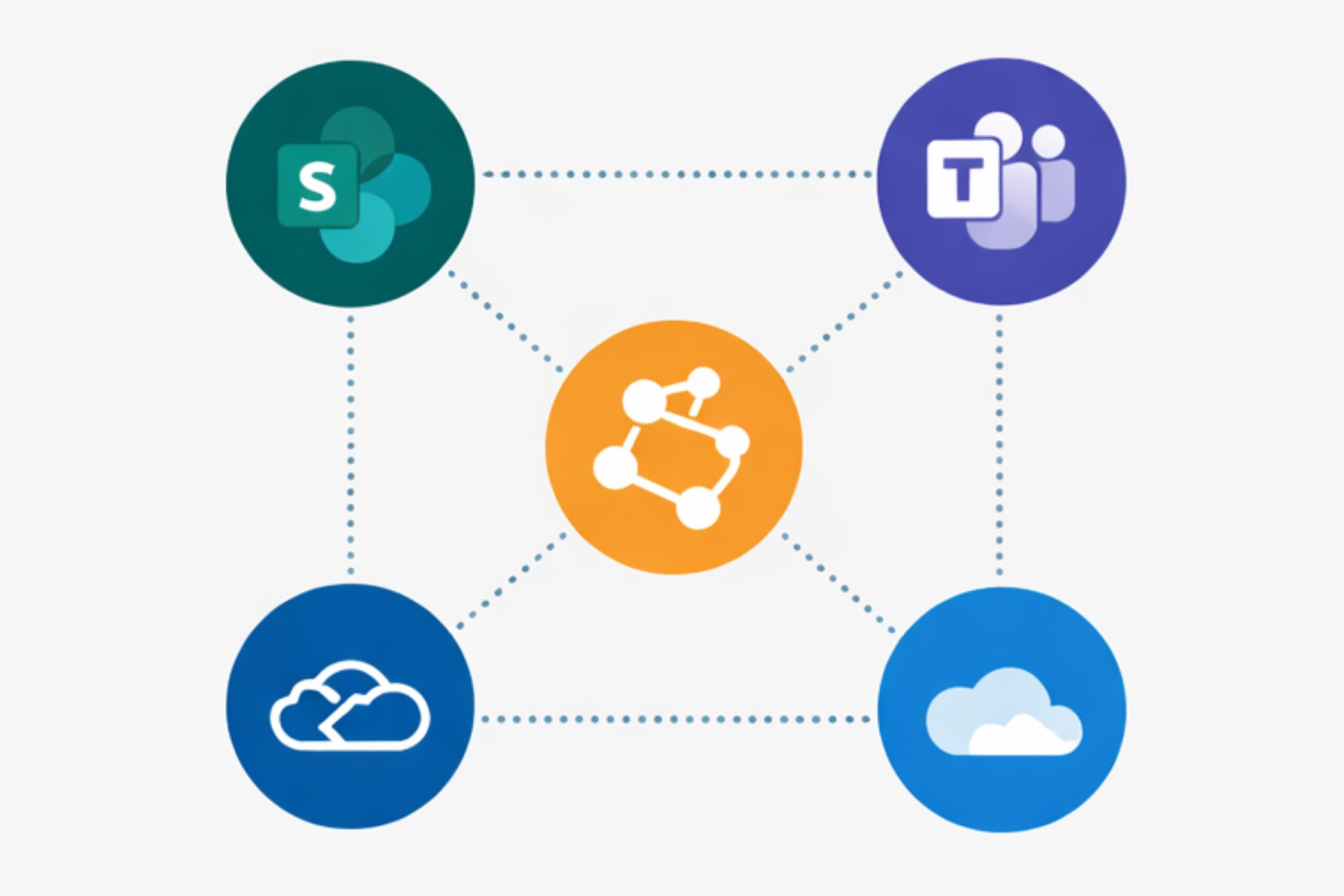
Digital Workplace Integration Support
Connect SharePoint, Teams, OneDrive, permissions, and workflows into one working digital workplace. Get a local Microsoft 365 expert to assess gaps, overlaps, and integration risks before they become operational problems.
Assessment
Review your Microsoft 365 environment to identify integration gaps across SharePoint, Teams, permissions, and document structures.
Mapping
Map how your tools, libraries, workflows, and access layers should connect for stable daily operations.
Alignment
Align governance, structure, and automation so systems support each other instead of conflicting.
Optimization
Recommend practical integration fixes and next-step actions based on real environment findings.
Expert-Led, One-on-One Support
What You Get in a
30-Minute Expert Consult
Architecture & Design Review
Validate your current approach, identify weak points, and pressure-test decisions before they become expensive.
Best-Practice Guidance
Get clarity on governance, permissions, structure, and long-term maintainability — without overengineering.

Advanced Troubleshooting
Work through stubborn SharePoint, Microsoft 365, or automation issues that don’t show up in basic documentation.
Clear Next Steps
Leave the call knowing exactly what to fix, what to leave alone, and what to tackle next.
Is Expert Assistance Right for You?
This service works best when responsibility stays with you — and support comes in at exactly the right moments.
THIS IS FOR YOU
THIS IS NOT FOR YOU
- Hands-on with Microsoft 365 or SharePoint
- You’re responsible for design, delivery, or decisions
- You want a second opinion, not a takeover
- You value best practices over shortcuts
- You need clarity before committing time or budget
- You want someone to “just fix everything”
- You’re looking for basic how-to training
- You expect ongoing free support
- You’re not involved in implementation
- You prefer managed services over ownership
Simple. Focused. No Obligation.
How the Expert Consult Works
STEP 01
Book the Session
Choose a time that works. No forms, no long questionnaires.
STEP 02
Share Context
Briefly outline your setup, challenge, or decision point before the call.
STEP 03
Meet an Expert
One-on-one with a senior Microsoft 365 professional. No scripts. No sales pitch.
STEP 04
Guided Outcome
Clear guidance on what to fix, what to avoid, and what to do next.
If you need more help, we’ll suggest the right next step. If not, you’re free to move forward on your own.
Prefer end-to-end delivery? Explore our end-to-end Microsoft 365 delivery service.
Expert Assistance — FAQs
Common Questions
Is this free consultation really free?
Yes. The 30-minute expert consult is free and focused on guidance.
If your needs require deeper involvement or delivery, we’ll outline paid options clearly — no obligation.
How is this different from the 5-Day Ops Reset?
Expert Assistance is guidance-led. You stay hands-on and in control.
The 5-Day Ops Reset is delivery-led — we take ownership and execute end-to-end.
Who should book the paid discovery call instead?
If you want us to take care of everything — architecture, fixes, execution, and outcomes — the paid discovery call for the 5-Day Ops Reset is the better fit.
Get Expert Guidance
FREE 30-minute focused session for experienced Microsoft 365 professionals.
Take Care of It
Let Karl and the team fully stabilise your Microsoft 365 environment